
Parametric CAD, in the room where the work is.
Sketch, dimension and constrain, then extrude, cut, fillet and assemble real parts on a standalone Quest 3, with a PC version in the works. The part floats in front of you, at any size, including its real one.
What it does
The modelling you know from the desktop, in the headset
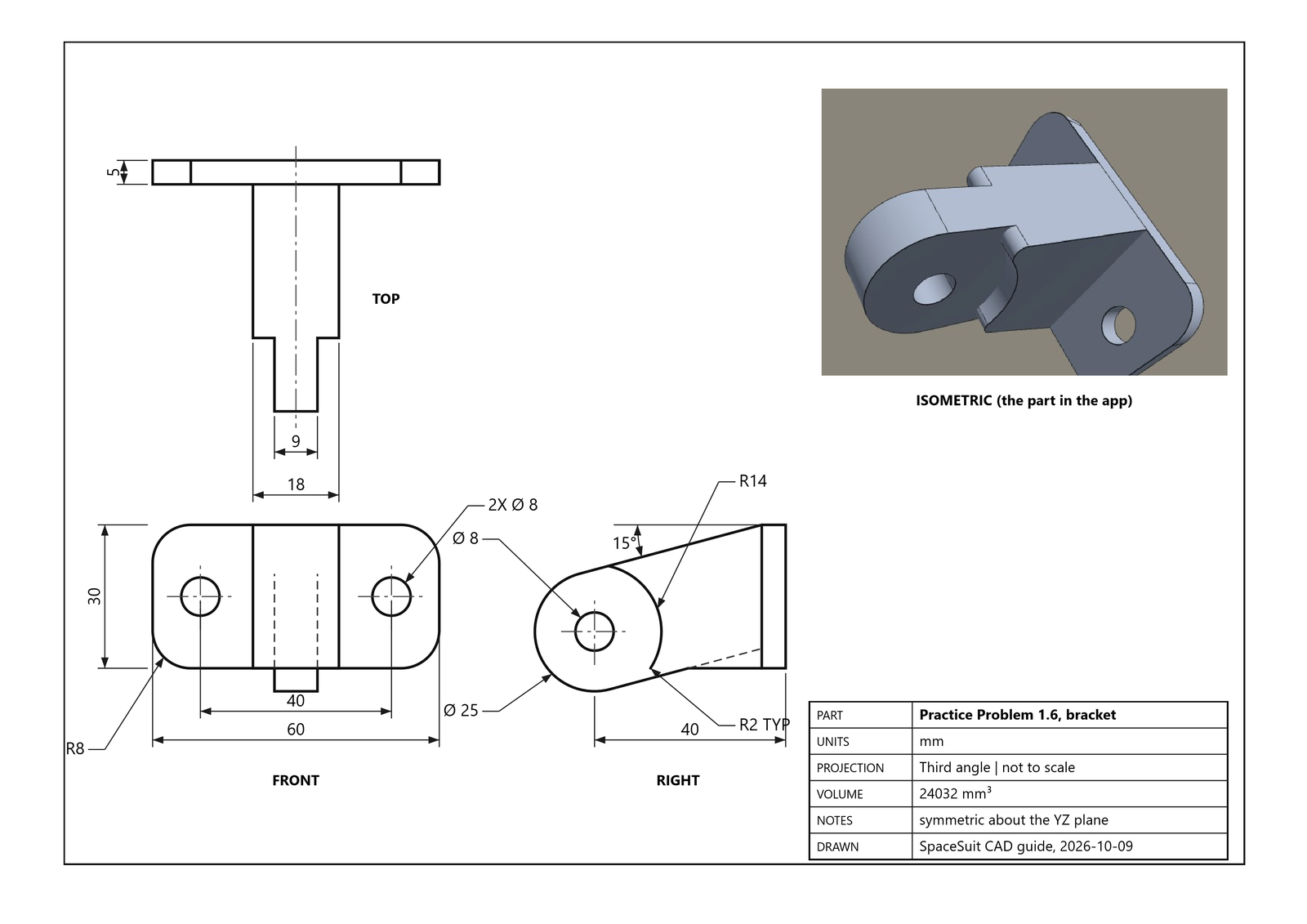
History-based, like the CAD packages you already use: every sketch and feature lands on a timeline, and changing an early dimension rebuilds everything after it.
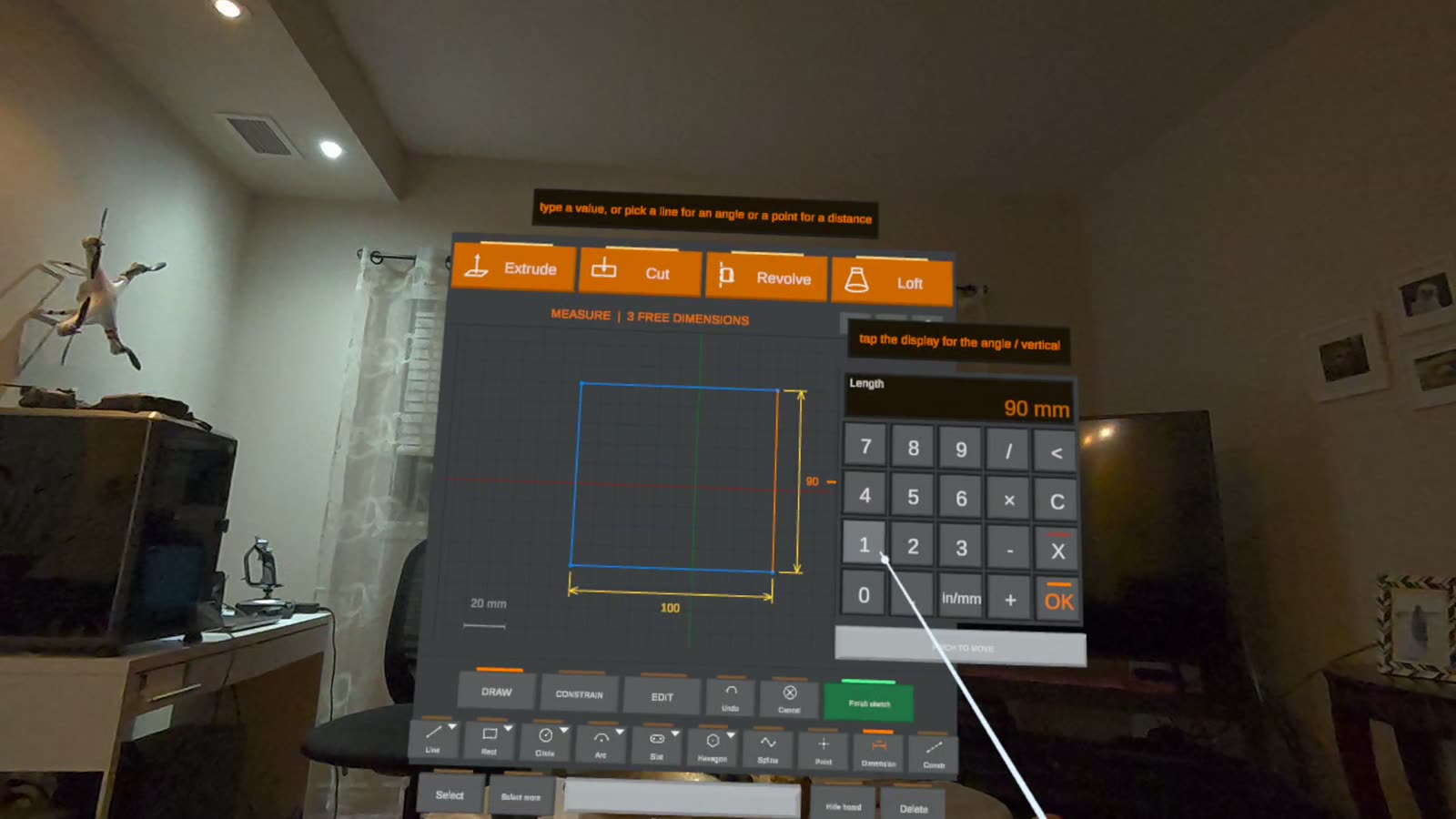
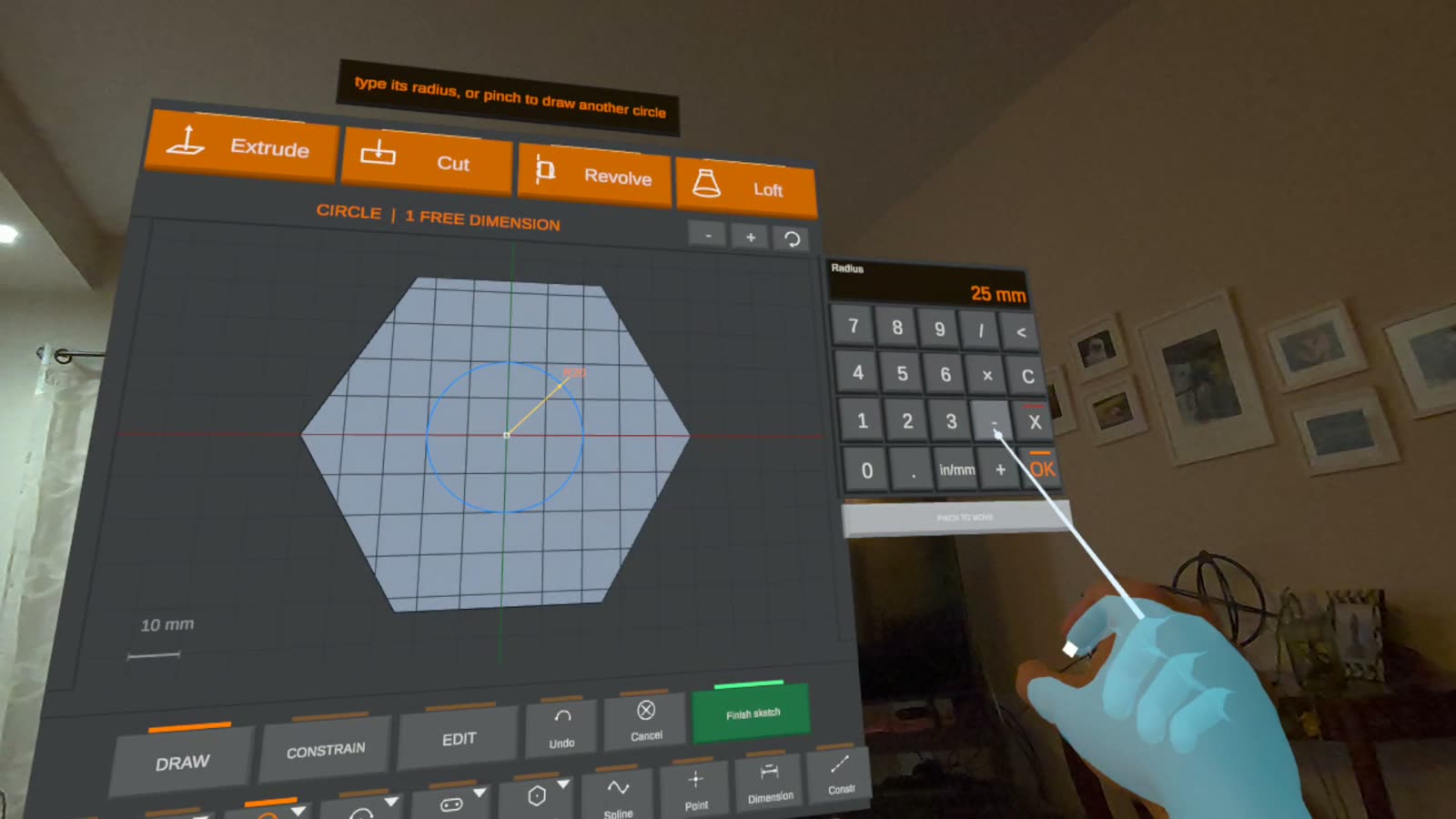
Sketch with constraints
Lines, rectangles, circles, arcs, slots, polygons, ellipses and splines, held by dimensions and relations until the sketch is fully constrained.
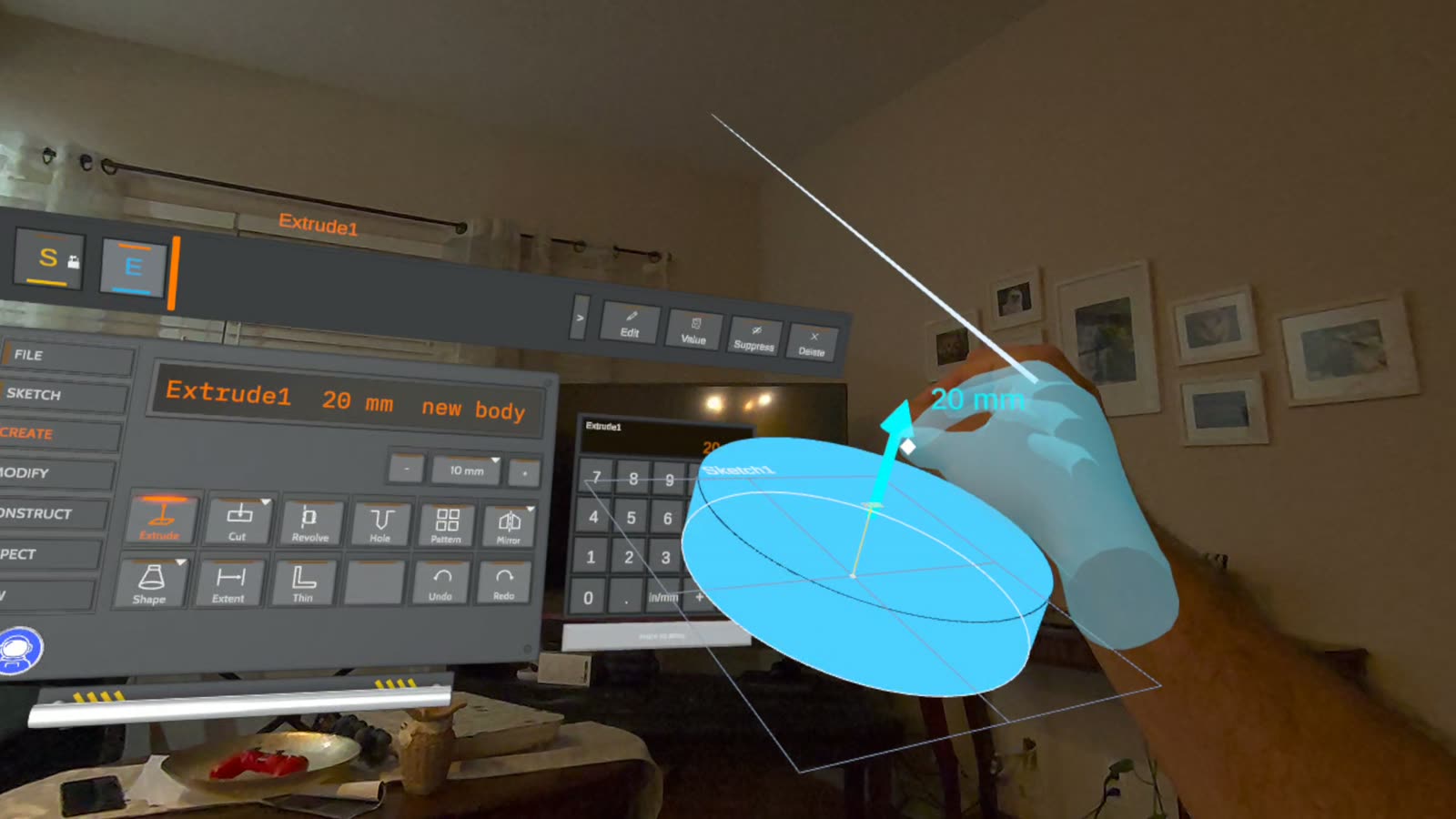
Build real parts
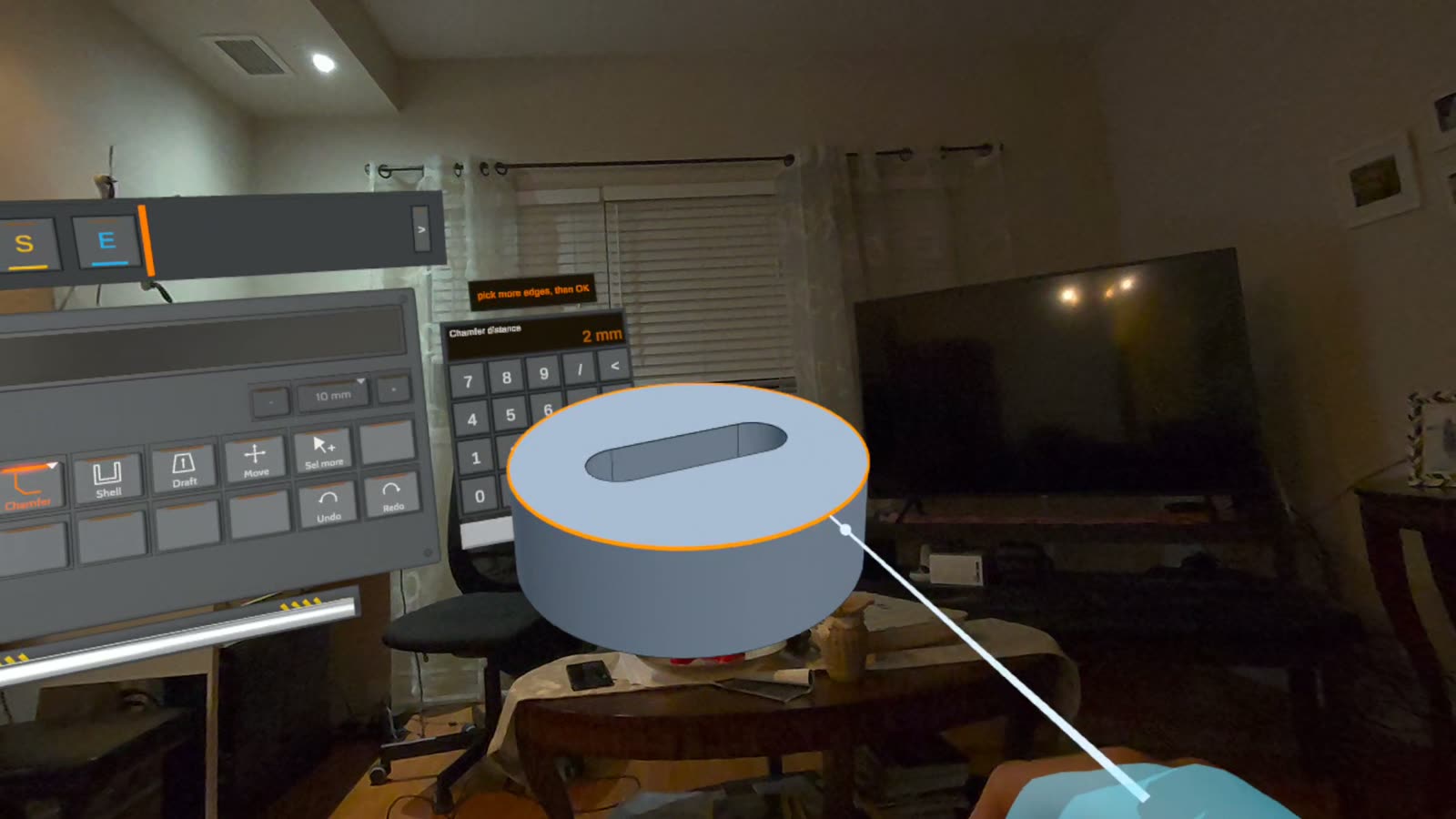
Extrude and cut, revolve, loft, sweep, rib, standard holes, fillets and chamfers, shell, draft, patterns and mirror.
Edit anything, any time
Pick any step on the timeline and change how it was made. Configurations keep variants of one part.
Assemble
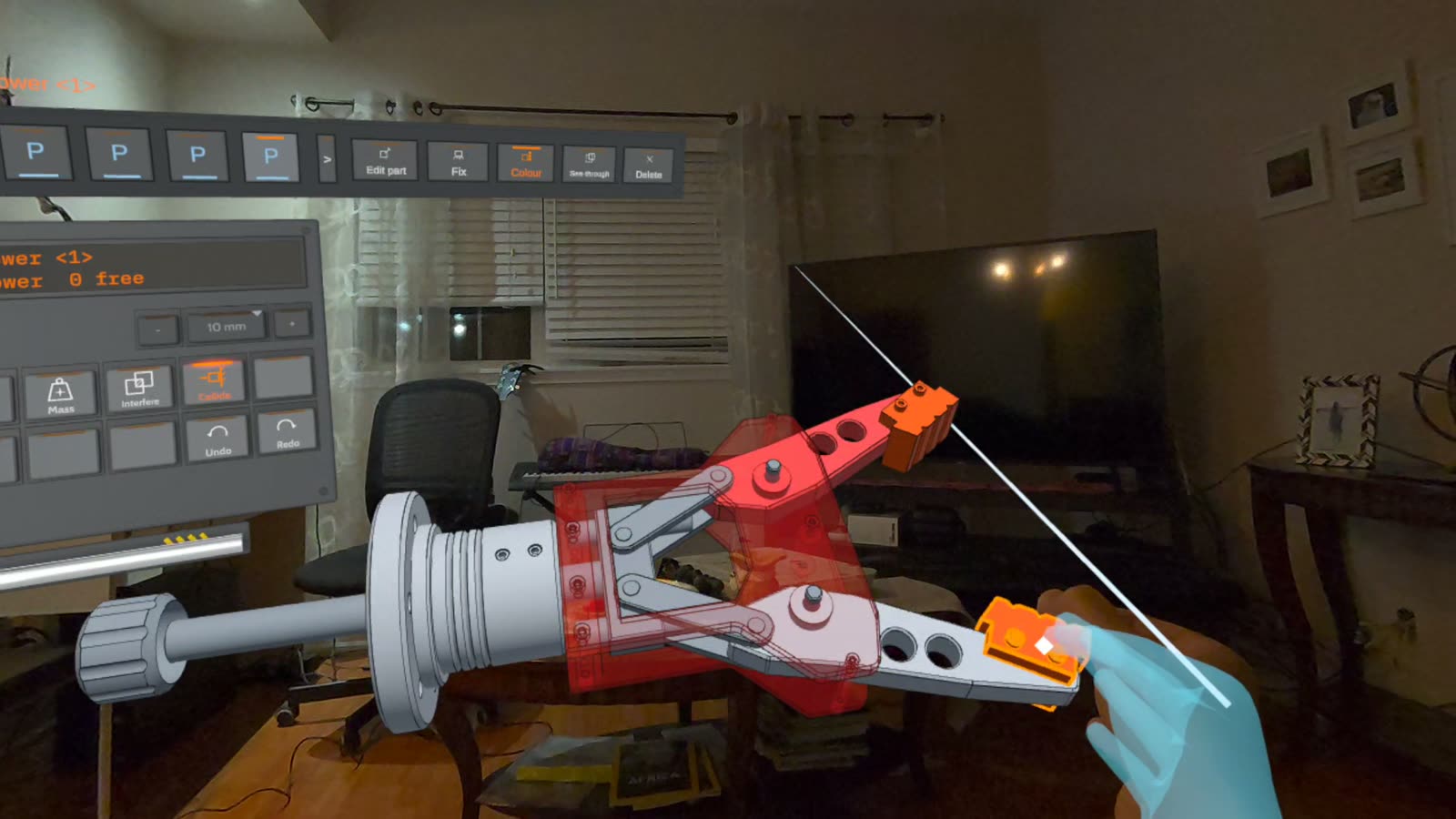
Bring saved parts together with mates, then drag the mechanism with your hand to see how it moves.
See it at real size
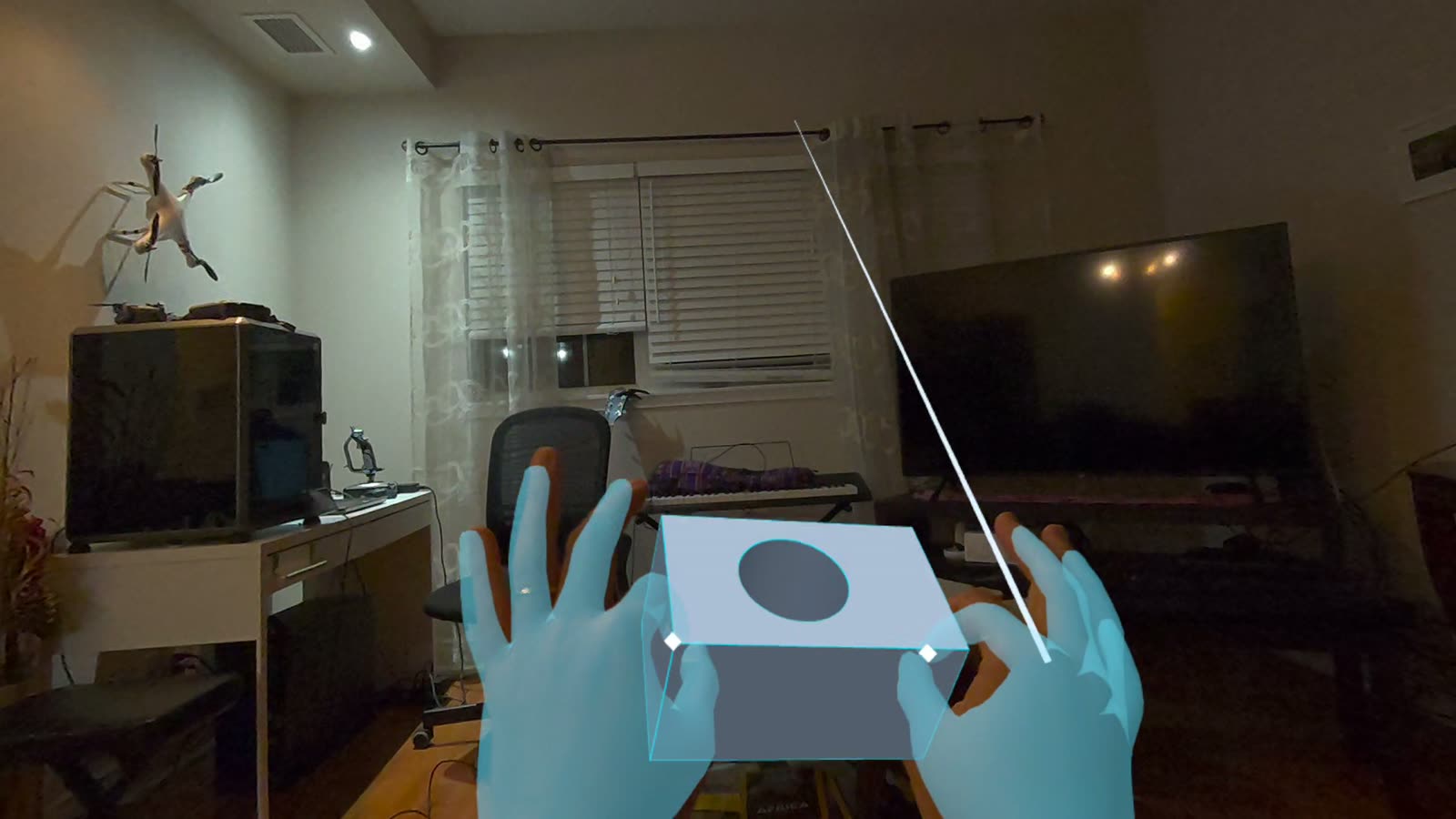
One press shows the part 1:1 in passthrough, next to the real machine, vise or fixture it's meant for.
Exact files in and out
Import STEP parts and PDF drawings at true paper size; export STEP for CAM and STL for printing.
How it works
Sketch, constrain, build
Captured in the headset, in passthrough.
Designed for VR
A control panel, not a floating menu
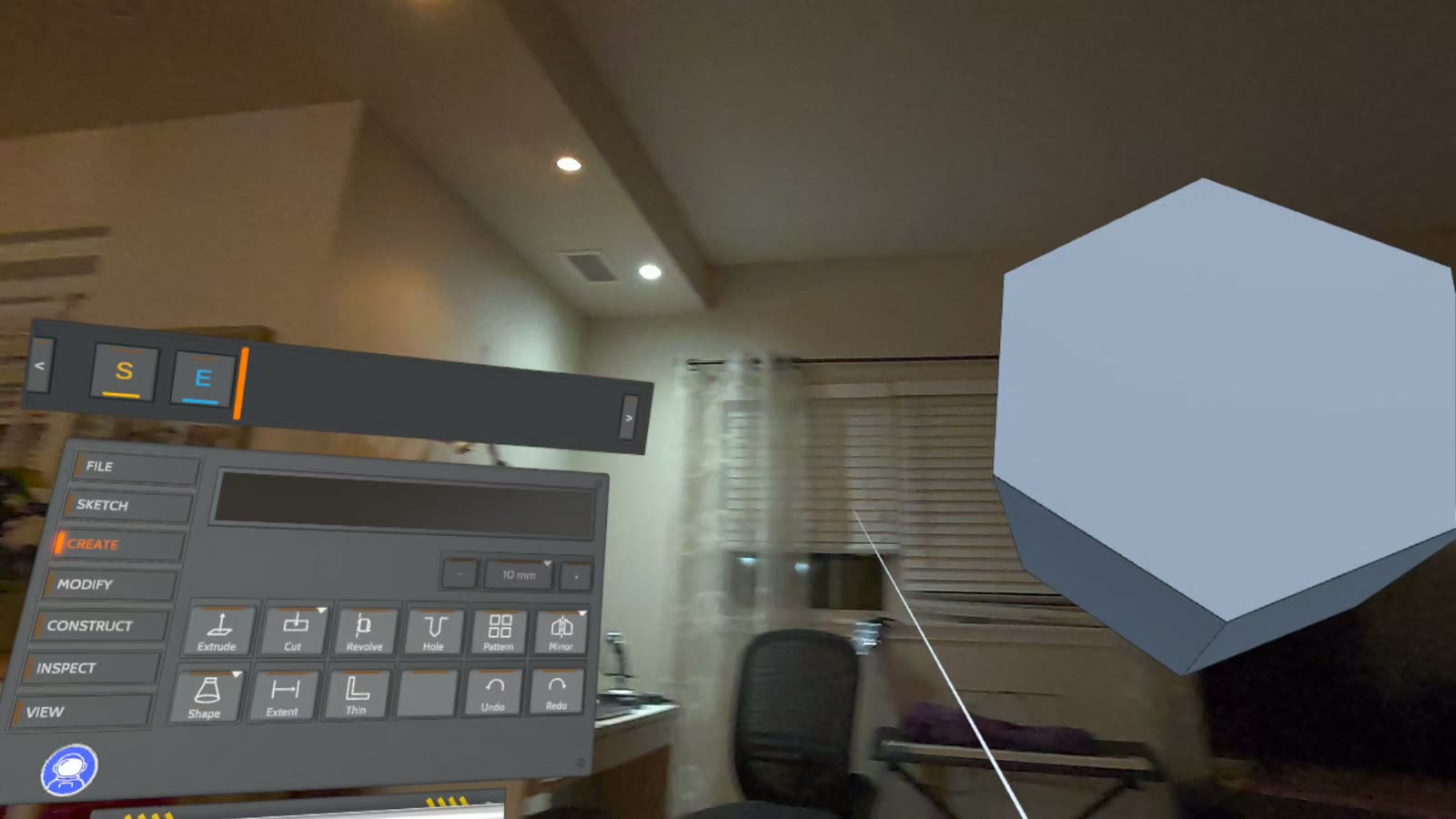
The console works like a machine's control panel: a readout, a dial and a jog wheel with CNC-style increments from 10 mm down to 0.001 mm (or inches), and keys grouped by task down its side. Keys are pressed by pointing or by touch, and every one shows a tip when you rest on it.
Precision comes from numbers, not steady hands: a keypad (with arithmetic) opens whenever a size is wanted, and sketches snap to ends, middles, centres and the part's own edges.
Built for the shop
CAD where the work happens
A customer sends a part as STEP and its drawing as a PDF. Bring both into the headset, put the part beside the real fixture at real size, design what holds it, check the fit, and send STEP to the machine and STL to the printer, without going back to the desk.
Under the hood
A real CAD kernel, running on the headset
Open CASCADE
The industrial geometry kernel behind FreeCAD, compiled to run natively on the Quest. Exact solids, exact STEP files.
Its own sketch solver
A constraint solver written for the app, which refuses a dimension that would conflict and tells you why.
Smooth by design
The part rebuilds in the background, so the headset keeps its frame rate while the geometry is worked out.
Controllers or hands
Everything works with the Touch controllers, and everything also works with your hands alone.
Playtest open. SpaceSuit CAD is in development on Meta Quest 3 and 3S, and we're inviting testers. Request an invite: we'll send you a private install link.
Also from SpaceSuit XR
SpaceSuit View
Gaussian-splat objects and characters, right in your room. Pick up a scanned object, turn it in your hand, scale it and measure it. In private alpha.
SpaceSuit XR
We build standalone VR tools for precise spatial work: CAD and captured 3D on the headset, without a PC.
Questions? spacesuitxr@gmail.com